The following is a summary of the available standard reports with a description of functionality and content. In each case the Building must

The following is a summary of the available standard reports with a description of functionality and content. In each case the Building must

6.1 Process Future Dated Transactions If there are any previously scheduled FDT’s ready for update, you will receive a Warning
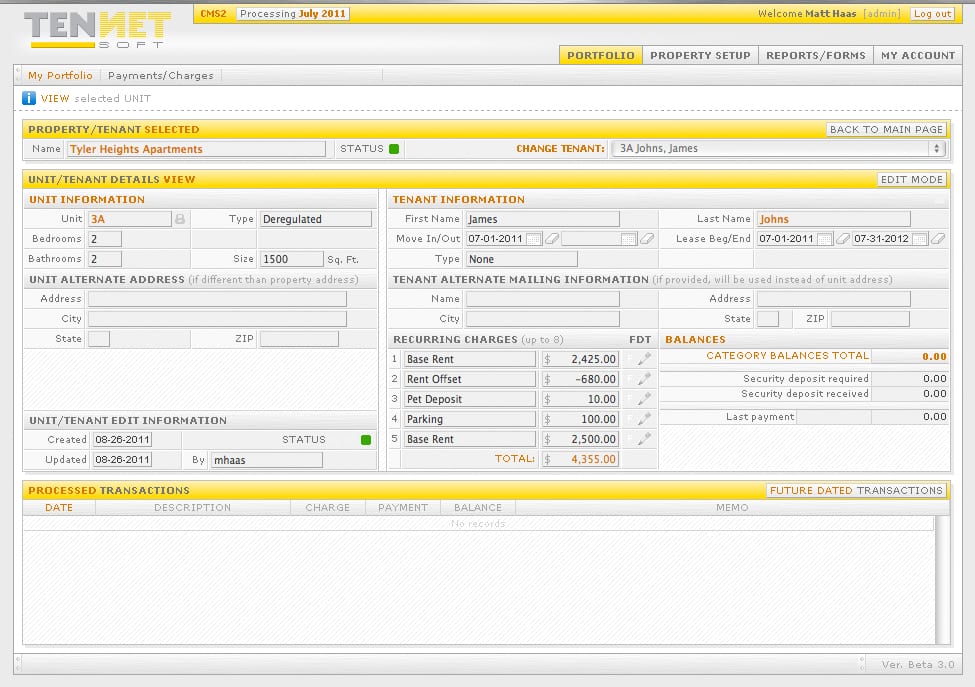
5.1 Generating Charges Charges are posted to tenants in two primary ways; Recurring Charges that are generated automatically for an
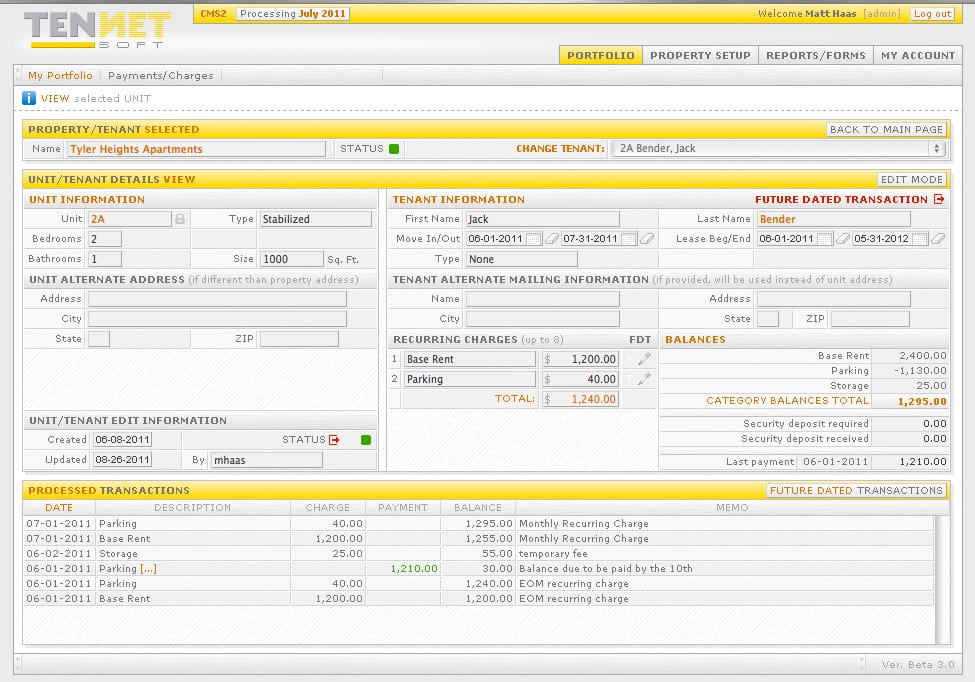
4.1 Move In when Creating Unit As described in 3.2, Go to Property Set Up Tab and select the desired
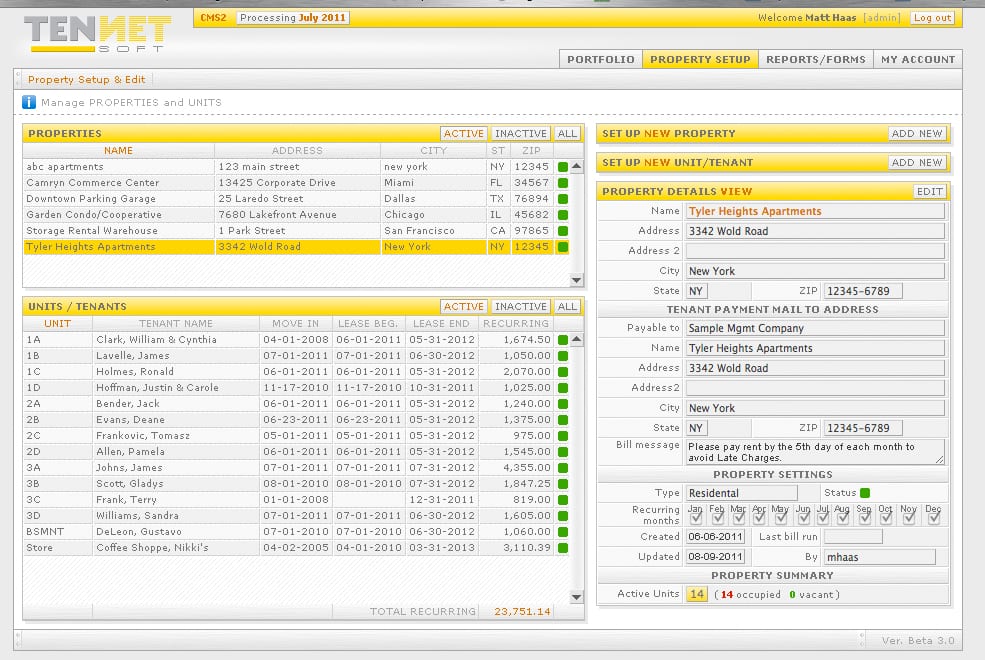
3.1 Adding units/tenants Once the property has been set up, the Units & Tenants should now be added. After clicking
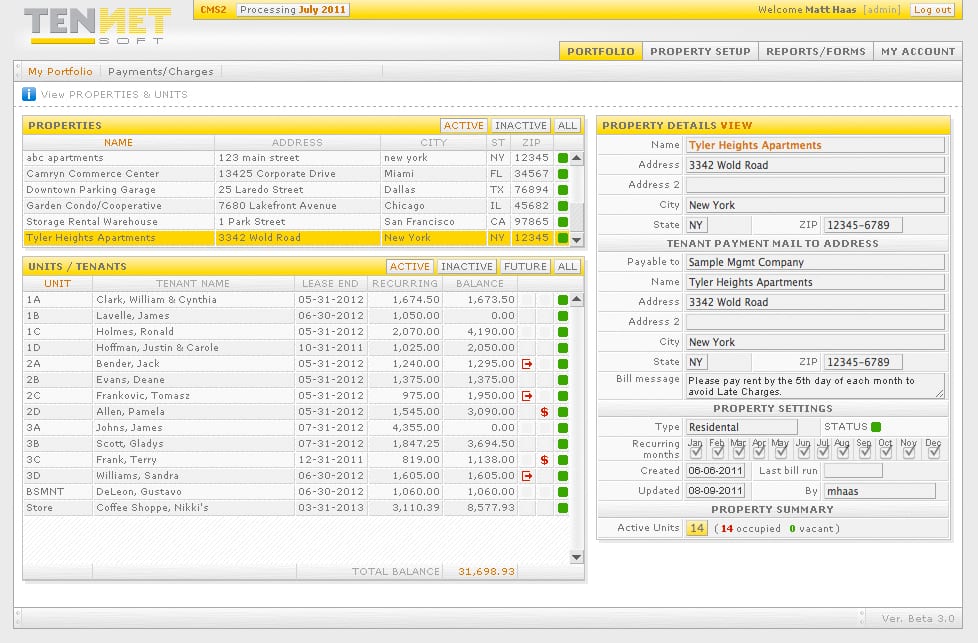
2.1. Setting up property Click on Property Setup Tab, then click Add New. Enter the Name & physical address of
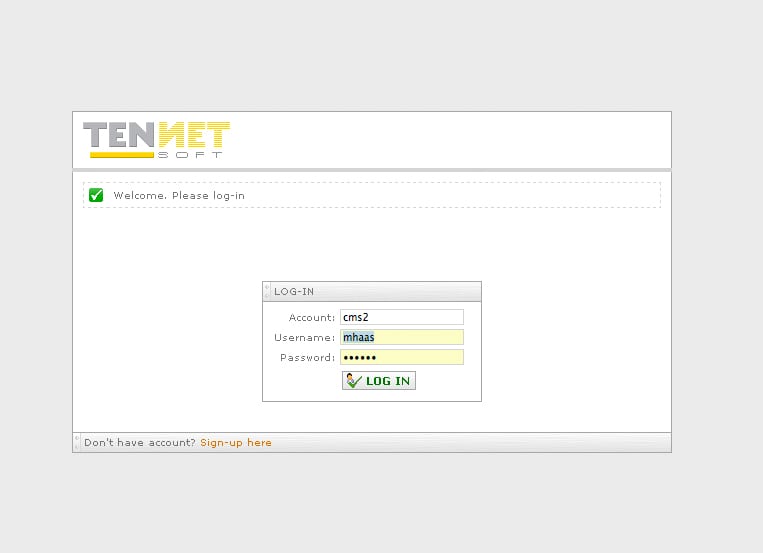
1.1. Choosing user name and password Upon sign up, you will be assigned a Username & Password which will be
No credit card required. This is 30 day, no obligation, full access to our software package.